Explore exhibits in 3D
Rotate a 3D model, zoom in on details and look inside. Discover what is hidden behind the display case or cannot be seen during a regular visit.

Point your smartphone at an AR marker near an exhibit or landmark. Explore 3D models, see historical reconstructions and listen to stories about the place before you.


Rotate a 3D model, zoom in on details and look inside. Discover what is hidden behind the display case or cannot be seen during a regular visit.
Point your smartphone at a painting with AR content. Animation and sound bring its story to life, while the characters can tell their own stories.
See what a monument may have looked like in another era. Compare the reconstruction with its present-day appearance and examine lost details.
See a digital representation of a historical figure at a place connected with their life. Hear the story told from their perspective and explore the exhibition through their experiences.
Point your smartphone at an AR information plaque and watch a short video. Learn how the site was created in a language you are comfortable with.
Explore the exhibition with NazzAR Bobo. Your virtual guide will tell you about the site, answer your questions and help you discover more of its history.
Pose beside a virtual character and capture the moment. The character can change poses and hold still while you take your photo.
Step into a virtual portal and look around in 360°. Visit another destination or historical setting, even when you are far away.
Tap interactive elements, switch between modes and open additional content. Start with whatever interests you most.
Choose one of the languages available for the site and explore the content without having to translate it yourself.
Turn on the audio guide and listen to the site’s story as you explore. Focus on the details of the exhibition without having to read from your screen.
Swipe, use the arrows or drag to browse. On a keyboard, use ← and →, Home and End.
Find an AR marker near the site. Open the NazzAR app or launch NazzAR Web using the QR code, then point your camera at the marker. Content created for that site will appear on your screen.
* An internet connection is required.
Download NazzAR, open the app and point your camera at the AR marker near the site.
 How to launch the app


Launch NazzAR Web in your mobile browser and access AR content without installing an app.
How to launch it in a browserVideo in English
Scan the QR code near the site to open NazzAR Web.
Choose a city to view available sites
 Samarkand
Could not load the photo
 Samarkand
Could not load the photo
 Samarkand
Could not load the photo
 Samarkand
Could not load the photo
 Samarkand
Could not load the photo
 Samarkand
Could not load the photo
 Samarkand
Could not load the photo
 Samarkand
Could not load the photo
 Samarkand
Could not load the photo
 Samarkand
Could not load the photo
 Samarkand
Could not load the photo
 Khiva
KhivaCould not load the photo
 Tashkent
Could not load the photo
 Tashkent
Could not load the photo
 Tashkent
Could not load the photo
Open NazzAR on your smartphone and point the camera at the marker. Watch AR content appear.
Open this page on a computer to scan the marker with your smartphone.

Enhance your exhibition with 3D models, historical reconstructions and audio stories. With NazzAR, visitors can access this content on their smartphones right beside an exhibit or monument.

Visitors access AR content on their own smartphones, so there is no need to provide separate devices.
Add language versions tailored to your audience. Local and international visitors can explore the same exhibition in a language they understand.
Present a reconstruction alongside the actual monument. Visitors can compare its present-day appearance with restored details and better understand the history of the site.
Link AR points into a route through the galleries or grounds. This makes it easier for visitors to explore the exhibition step by step.
Let visitors choose a short story, a video or an in-depth exploration of a site. Everyone can tour the exhibition at their own pace and spend more time on what interests them.
Invite visitors to explore a 3D exhibit, see a reconstruction or meet a digital character. Add interactive experiences that reveal more of the stories behind your space.


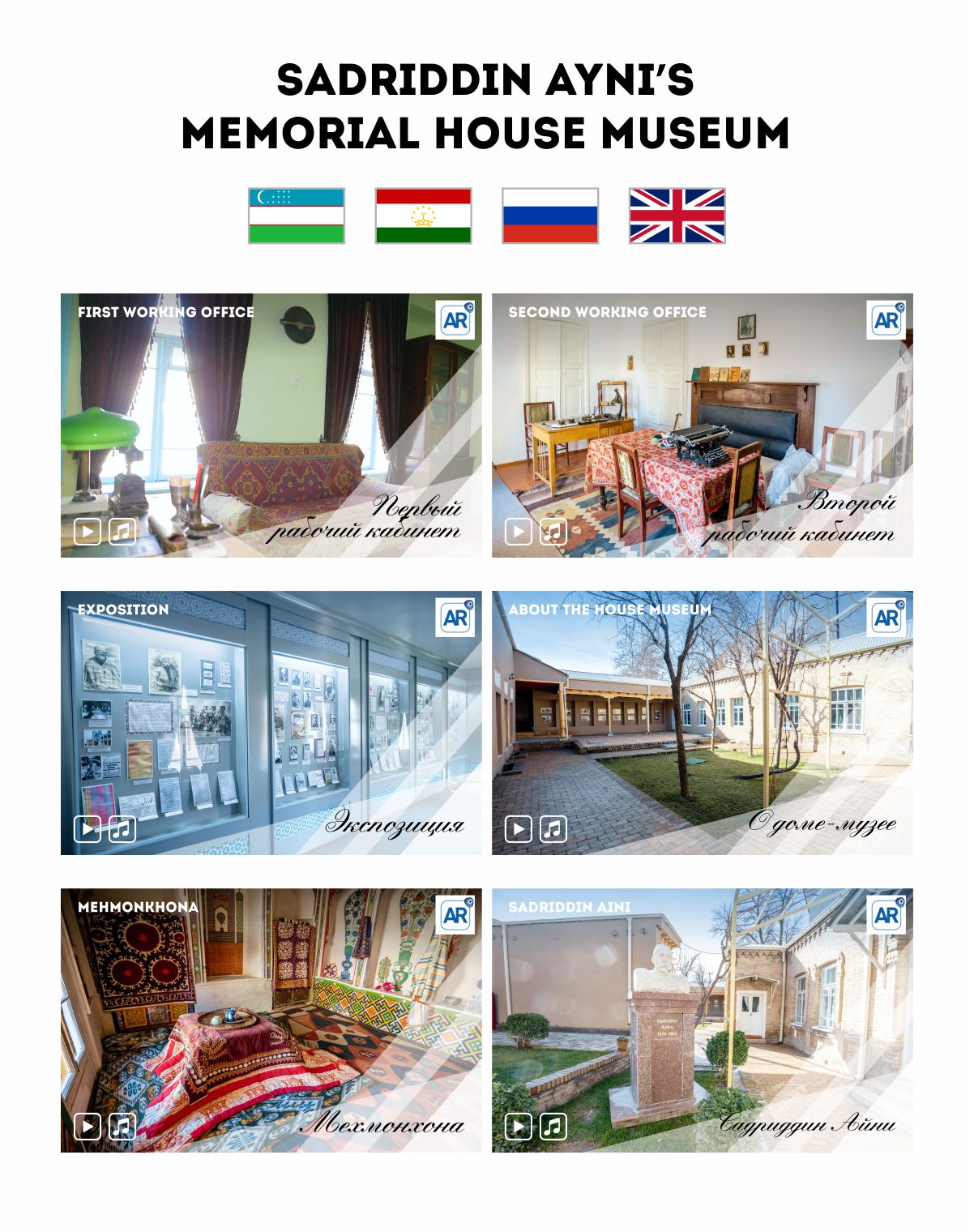
Keep a favourite destination close and share it with loved ones. Scan the QR code on the postcard, point your smartphone camera at it and open a virtual portal for a tour of the places pictured.


Open a virtual tour from the postcard and take another look around a place you remember from your travels.
Give a postcard with a virtual tour. The recipient can explore a place from your journey using their smartphone camera.
Scan the QR code and the postcard comes to life through WebAR in your mobile browser.
Contact us with questions or proposals for collaboration.
Discuss a project by email
contact@nazzar.uz
Start a chat on Telegram
@nazzar_group